Available on Mac, iPhone & iPad
Everything you copy.Everything you type.
A clipboard manager and a text expander sharing one library. Copy anything — it's on the shelf. Type a keyword — it becomes the whole thing. On Mac, iPhone, and iPad, without your data ever leaving them.
macOS 26 · notarized download/iOS & iPadOS 26 · App Store
Everything you copy, kept and understood.
TypeDock captures every copy and knows what it is — code, color, link, file, image, or prose — with a real preview and one smart action each. Try the search: it matches by meaning, not just letters.
- Figma9m#6D89F5Color
- Xcode26m
func makeContainer(
  inMemory: Bool
) throws -> ModelContainer
Swift · 117 chars - Safari2hTypeDock — snippets & clipboardtypedock.appLink · recopied 7×
- Slack18m
Loved the new dock animation ✨ — can you send the updated onboarding copy before standup?
87 characters - Figma1hPNG · 30 KB
- Finder5hTypeDock-Icon-1024.png~/DesignPNG · 1.1 MB
- Notes1h
Launch checklist — App Store screenshots ✅ press kit, review notes, ship the announcement post 🚀
96 characters - Messages1d
Gate B42, boards 9:05 — see you at the lounge ☕️
48 characters
{"name":"typedock","version":"1.0.1","platforms":["macOS","iOS","iPadOS"]}Paste As — one conservative suggestion per paste, based on where you're pasting.
- Full fidelity
- Every representation is kept — rich text pastes rich, plain pastes plain, images stay images.
- Pins & Pinboards
- Pinned clips never expire. Pinboards collect them — one clip can live on several.
- Tidy on paste
- Invisible characters stripped, soft-wrapped prose reflowed. Code is never touched.
- Concealed stays concealed
- Anything a password manager marks concealed is never stored. Not encrypted — absent.
Type a keyword. Get the whole thing.
Snippets expand anywhere on your Mac — with forms for the blanks, variables for the boring parts, and an undo if you change your mind. Fill the form below and hit Insert.
Hi Sarah, let's meet on Friday at 9:00 via Zoom. Talk soon!
the placeholder language
- Suggestions at your caret
- Pause mid-keyword and a menu appears where you're typing — fuzzy-ranked, ⌘1–9 to pick, peek to preview.
- One keystroke of regret, covered
- ⌘Z within two seconds un-expands and hands your keyword back, exactly as typed.
- The cheat sheet
- ⌘⌥Space flashes every keyword you own over whatever app you're in. (It works on this page, too.)
- Repetition radar
- Type the same phrase five times and TypeDock quietly offers to save it. The tally never leaves memory.
- Works where pasting is hard
- Paced injection that survives Electron and Catalyst apps — and multi-line snippets never auto-send in chat apps.
- Your profile fills itself
- Name, email, company — profile variables resolve without a prompt, on every device.
system-wide expansion uses macOS Accessibility & Input Monitoring — granted once, with guided onboarding in the app
Everything, one keystroke away.
Press ⌃⌘V in any app and the Quick Paste dock rises over it — flush to the screen edge, without stealing your caret. This one is real: click a card to paste it into the note. Flip on Stack mode to queue a few, then ⌘V them out in order.
non-activating — your caret never moves · ⌘1–9 pastes directly · also in the menu bar, one click away
An assistant that already has the context.
Your clipboard knows what you were doing. TypeDock lets you ask it — powered by Apple Intelligence, answered on your device, with the source clips cited. Watch it work.
- Describe a snippet, get a draft
- “A polite meeting decline with a reason field” — and a validated snippet appears, keyword and fill-ins included, for your review before saving.
- AI inside expansions
- An {@ai} placeholder writes its part while the rest of the snippet stays deterministic — with a plain-text fallback when the model isn't available.
- Search by meaning
- “that swift function” finds the code you copied — embeddings are computed and cached on your device.
- Clips graduate on their own
- Promote a clip to a snippet and the title and keyword are drafted for you.
Every AI feature runs entirely on-device — zero cloud calls, ever. Requires Apple Intelligence-capable hardware; everything else works without it.
{@ai|summarize|input=clipboard}the placeholder that writes
One library, native on every device.
The same snippets and clips, at home on Mac, iPhone, and iPad — designed for each, not ported to each. Real screenshots, in your theme.
- The TypeDock keyboard
- Snippets and clips inside any app's keyboard, rendered by the real engine — fill-in forms included. It never asks for Full Access.
- The share sheet
- Share text, a link, or an image from any app and it lands as a clip — or a ready-to-edit snippet.
- iPad, properly
- Three columns, hardware-keyboard shortcuts, pointer support, and drag & drop into any app beside it.
- Pull to import
- iOS keeps the pasteboard private, so TypeDock never sniffs it — a tug on the clip list imports it when you say so.
Private by architecture, not by promise.
A clipboard manager sees everything you copy. That's exactly why TypeDock is built so there's nothing to trust — only things that can't happen. It's not a policy. It's a switch you can see.
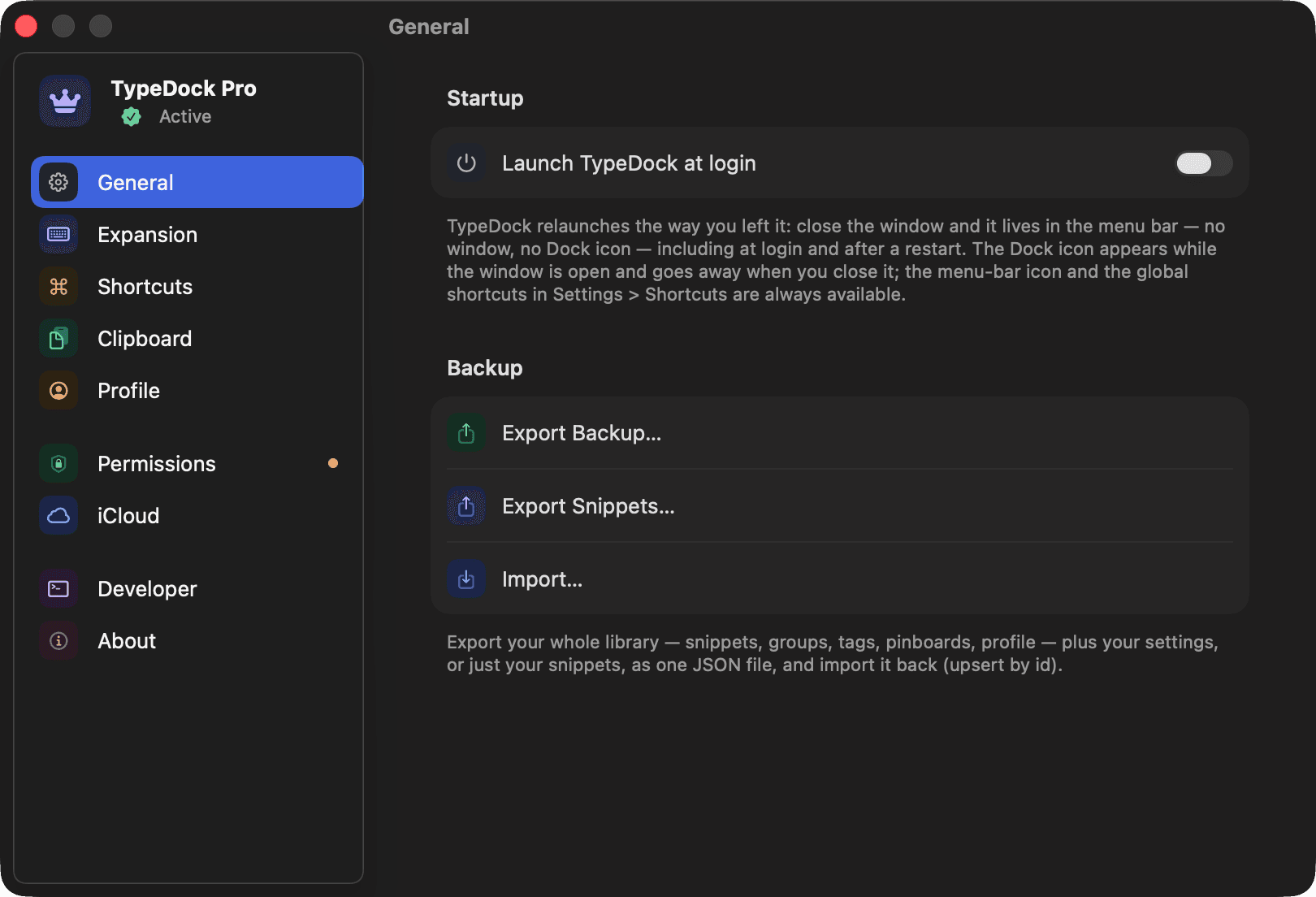
Concealed clips are never stored
Copies from password managers are marked concealed — TypeDock refuses to keep them. Not encrypted. Absent. What isn't stored can't sync, leak, or be subpoenaed.
AI never phones home
Ask Your Clipboard, Describe-to-Snippet, semantic search — all of it runs on the Apple Neural Engine in your Mac, iPhone, or iPad. Zero cloud calls.
Sync is yours, and off by default
Your library is local-first. Flip one switch and it syncs through your private iCloud — CloudKit, end to end, no TypeDock servers anywhere.
The keyboard can't spy
The iOS keyboard never requests Full Access, so it couldn't send a keystroke anywhere even if it wanted to.
Even the stats stay home
Keystrokes saved, expansions fired — counted on-device, for your eyes, never transmitted.
Your snippets, scriptable.
The whole library from the terminal — and an installable skill that hands the keys to your AI agent. No other snippet or clipboard tool ships this.
❯
- Full parity, by contract
- Every app capability has a command — snippets, clips, groups, tags, pinboards, sync, stats, even the panels.
- Built for scripts
- --json on everything with a stable envelope. Deterministic expansion with --now, --seed, and --fill.
- Safety rails on
- Destructive commands require --yes. --dry-run shows the plan before anything changes.
- Your agent already knows it
- typedock skills install teaches Claude and friends to drive TypeDock — with the privacy rules baked in.
the CLI ships inside the Mac app · requires TypeDock Pro · CLI reference →
Every key on the board.
All 70 things TypeDock does — one keycap each, one row per part of the app. Press any key.
Press any key to read what it does — arrows move, Return presses.
70 features · 9 rows · ;promarks TypeDock Pro
Free to really use. Pro to go all in.
The free tier is a genuine taste, not a crippled demo. When your library outgrows it, Pro is one honest price — monthly or yearly, and either way it starts with a free week.
Free
A genuine taste, not a crippled demo.
No account, no card, no timer.
- System-wide expansion with live fill-ins
- 10 snippets across 3 groups
- Clipboard history — your 25 most recent clips, pinned clips always kept
- Quick Paste dock (⌃⌘V) & menu-bar app
- The TypeDock keyboard and share sheet on iPhone & iPad
;pro
Everything, everywhere, scriptable.
about $2.08 a month, billed once a year
Starts with a 7-day free trial
- Unlimited snippets, groups, tags & pinboards
- Unlimited clipboard history — or set your own cap
- On-device AI: Ask Your Clipboard, Describe-to-Snippet, {@ai} placeholders, semantic search
- Private iCloud sync across Mac, iPhone & iPad
- The typedock CLI + installable AI-agent skill
- Advanced placeholders & Paste Stack
7-day free trial on both plans · Cancel anytime · App Store on iPhone & iPad · web checkout (Paddle) on Mac
Questions & answers.
The parts people ask about before trusting a clipboard manager.
TypeDock stores your library on your devices, and sync is off by default. Copies from password fields and other secure fields are treated as concealed and are never written to clipboard history or disk.
One keystroke away.
Bring your snippets and clipboard everywhere you type — on Mac, iPhone, and iPad.
macOS 26 · iOS & iPadOS 26 · Notarized by Apple